Join the new evolution of tattoo promotion!
One year subscription guarantee!
If you don’t book an appointment through the app in your year subscription, your subscription price will be refunded to you…we know it works that well!
Wish you could notify all clients about cancellations or no shows with one click of a button?
Now you can.
Encourage your clients to follow you and receive mobile notifications whenever you add a new availability. Currently anyone who follows you will receive a notification.
Wish you could post availabilities that clients can easily check?
Now you can!
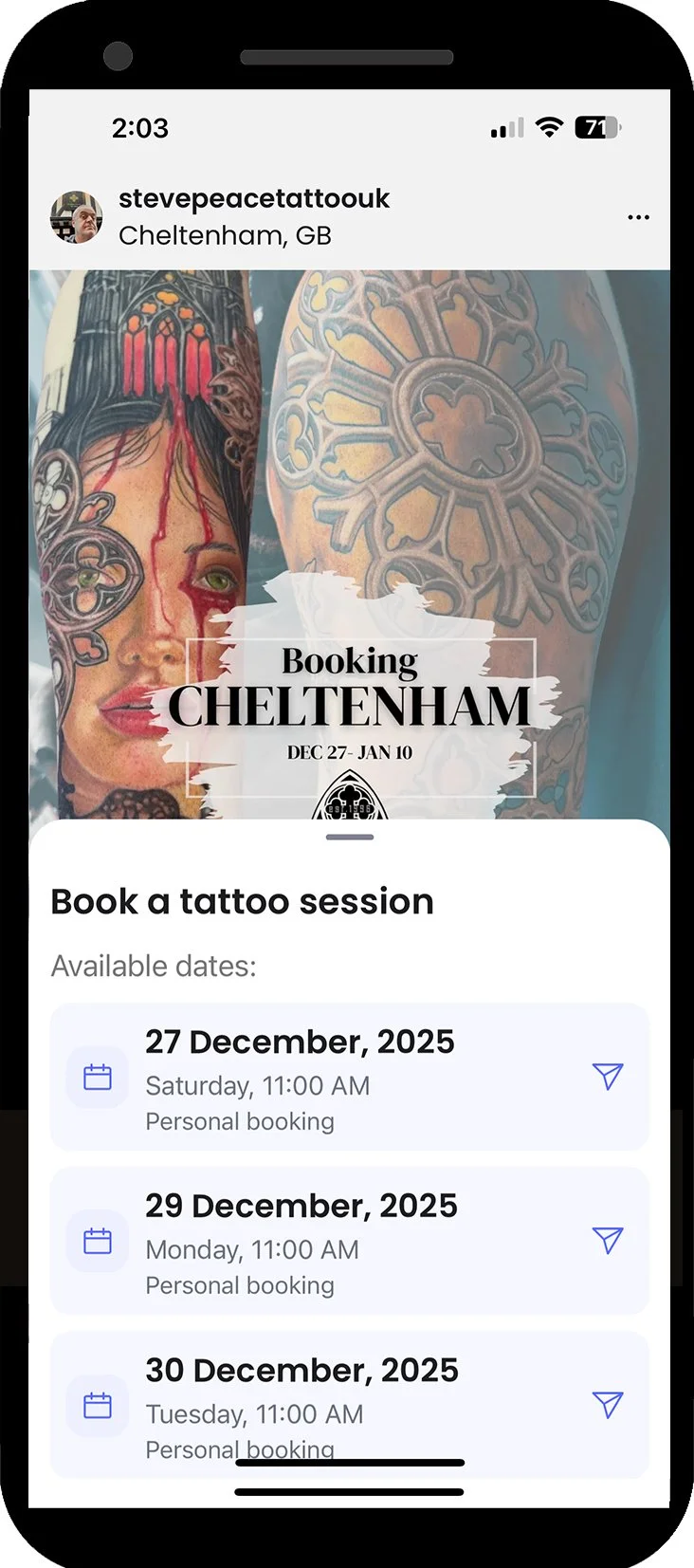
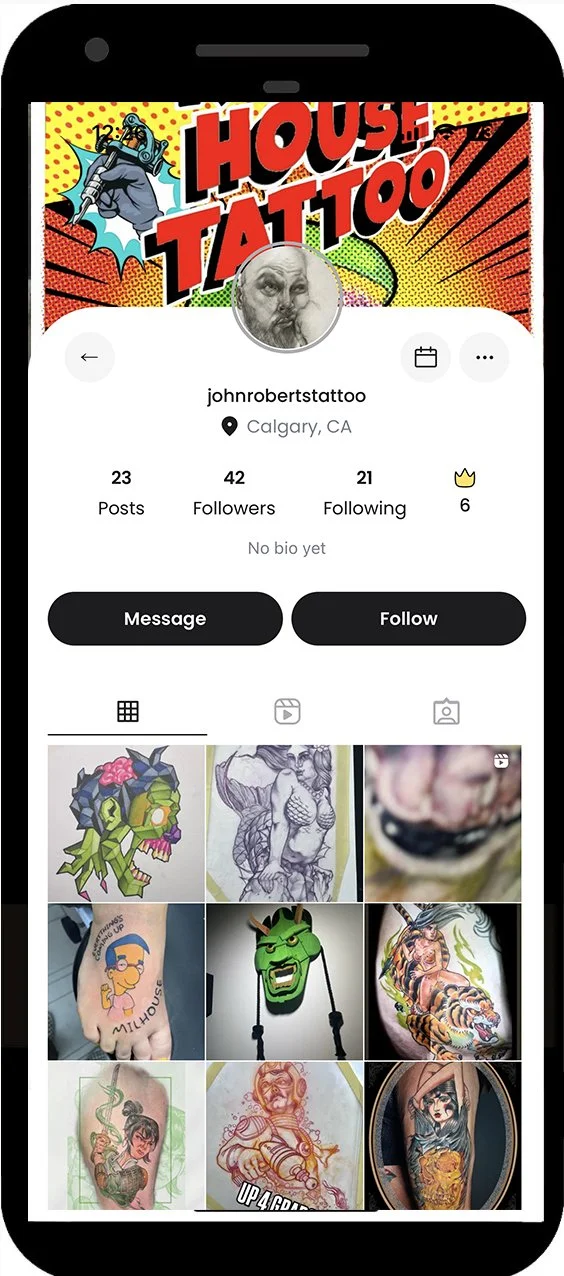
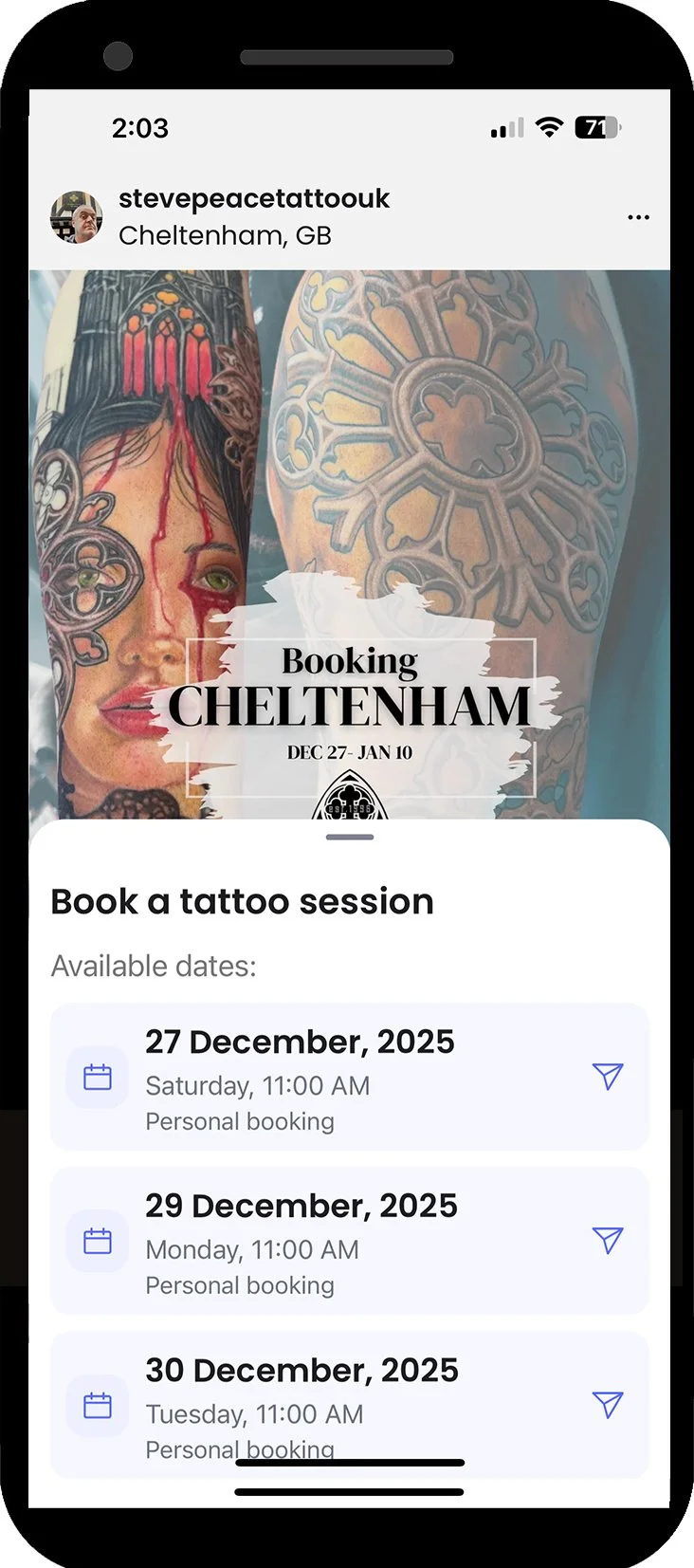
By clicking the calendar icon, clients can see up to 7 available dates you have placed into the TattooDay system. Clicking on a date will open an auto message that can be added to.
We will be increasing the number of available dates and multiple times in one day in August 2026.
Tired of low viewerships on posts, shadow banning and having to pay to boost?
Now you can have it all!
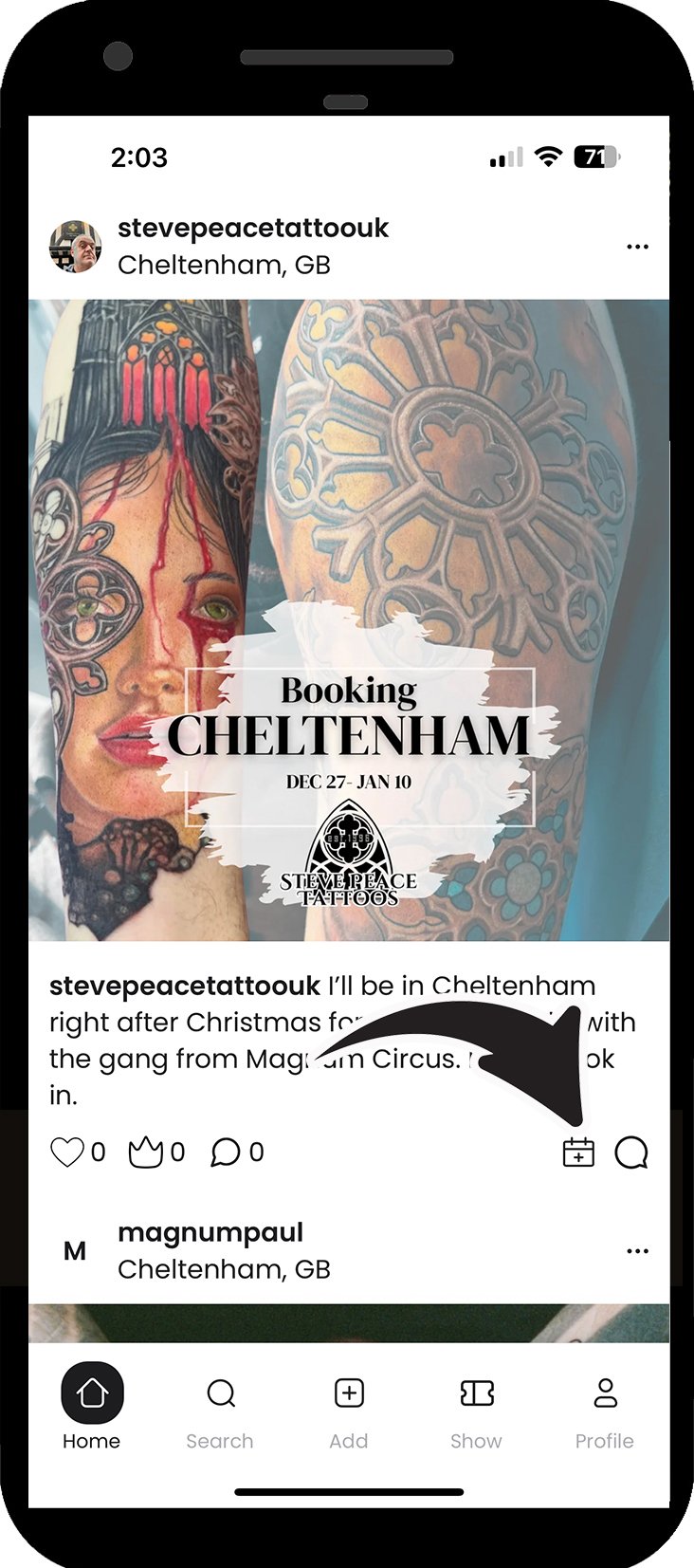
TattooDay does not limit the viewership of your posts. In fact, we show your posts to every client within your city, whether they follow you or not! Get maximum exposure to new clients on TattooDay.
Wish your social media clout was based on your tattoo talent, not followers?
Now it is!
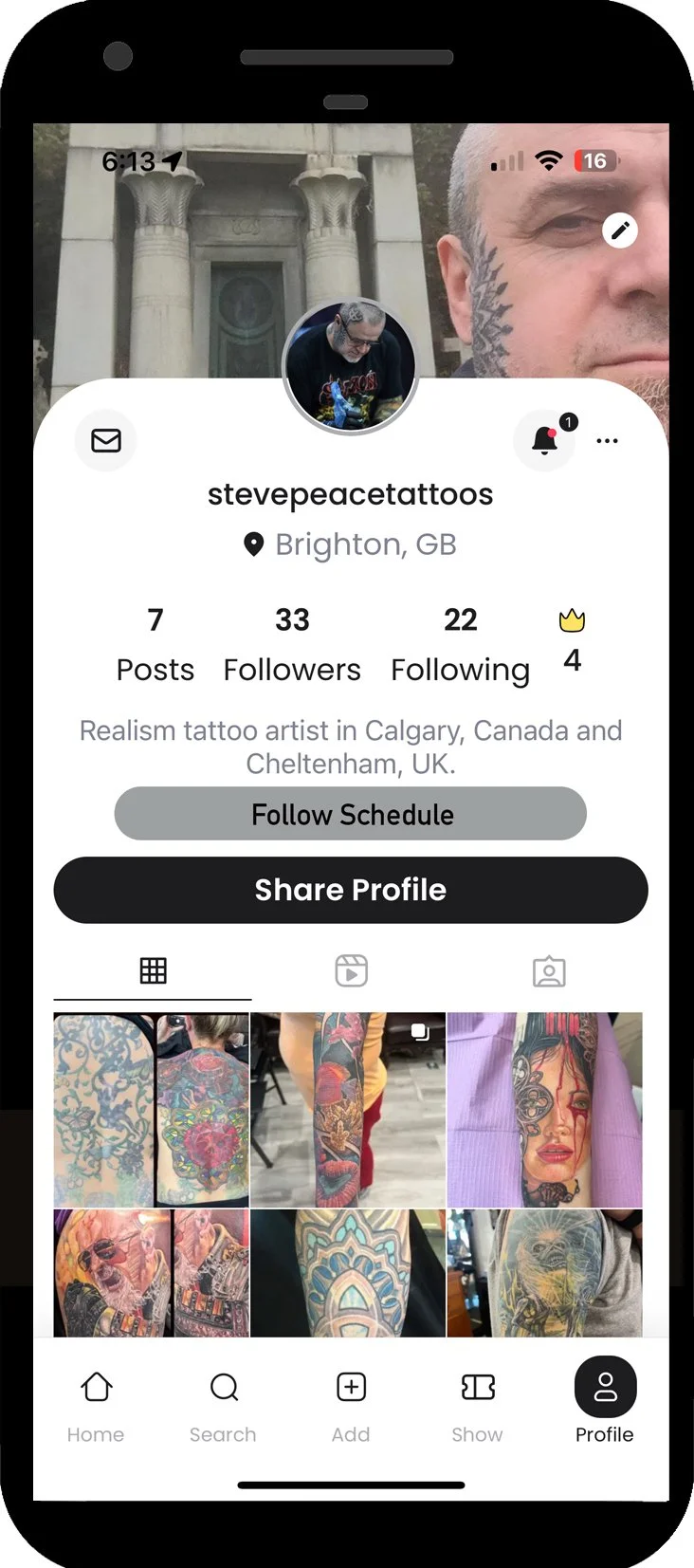
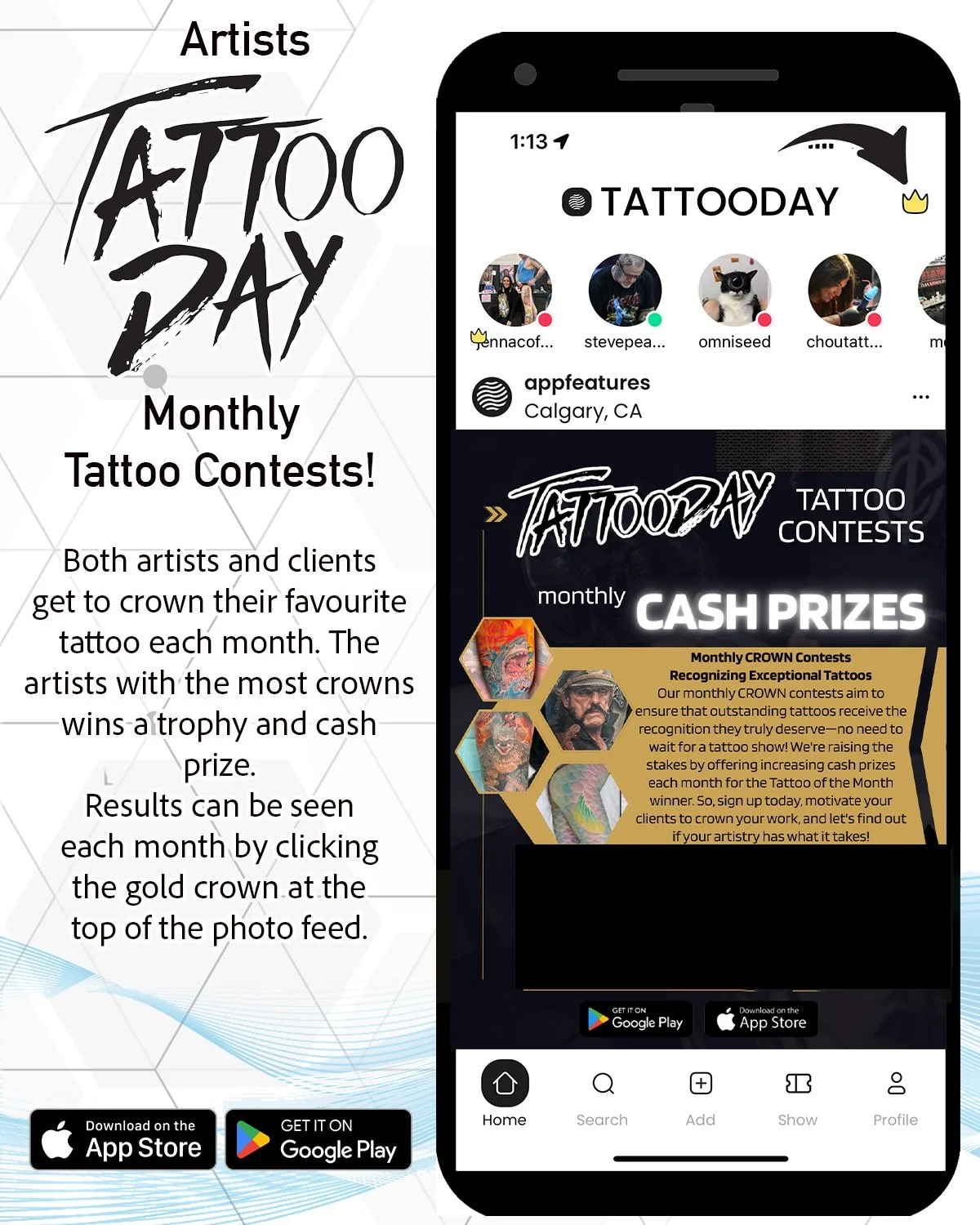
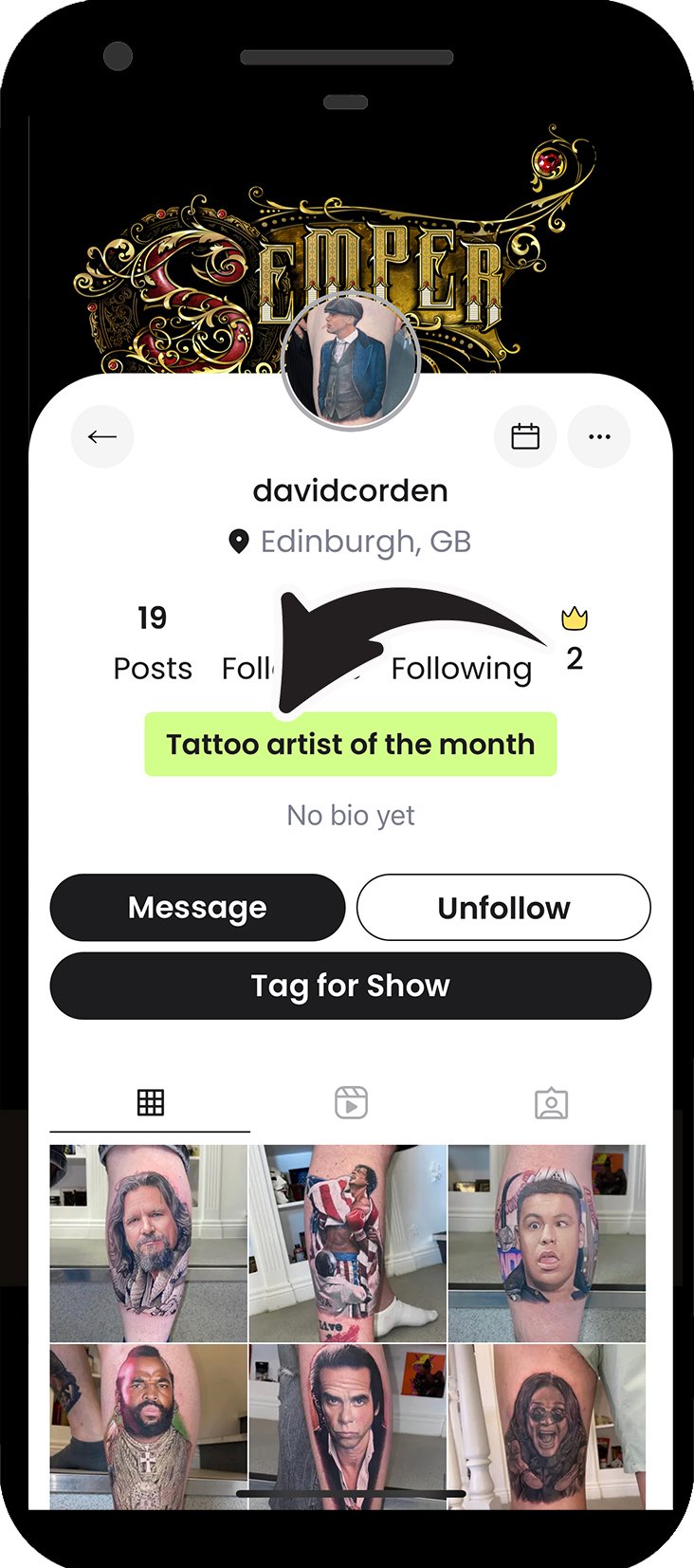
Present your best tattoo work for fellow artists and clients to cast their votes for their top favourite. Each artist and client will receive one Crown each month to award their most beloved piece.
Wish clients attending a tattoo show could see any openings you have?
Now they can.
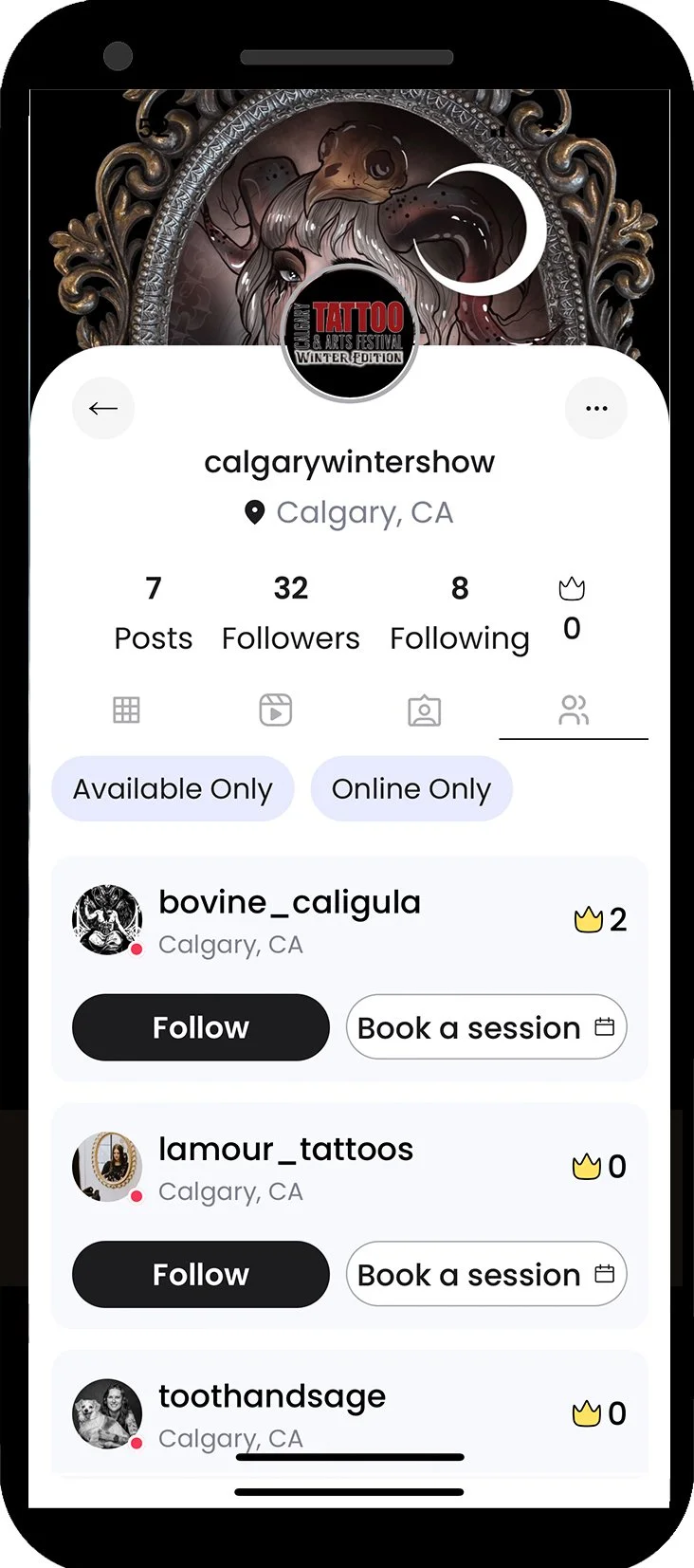
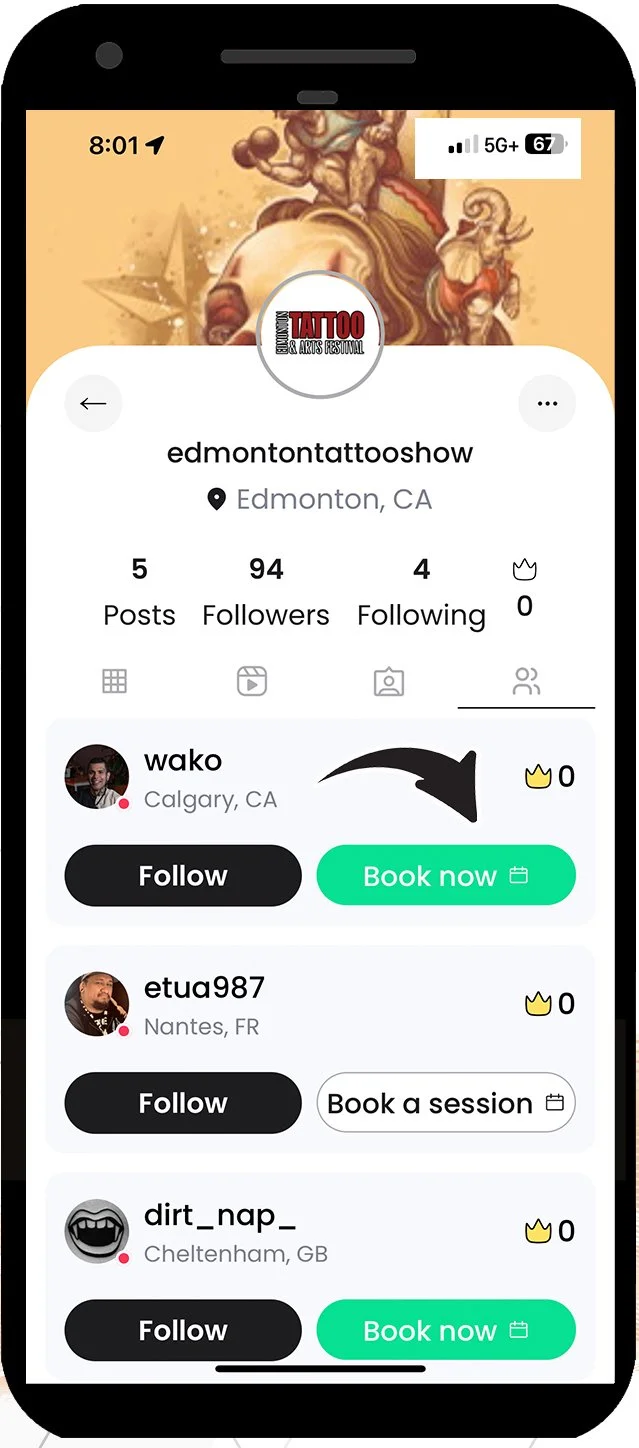
Get linked to a show account to show clients you are in attendance and to check any availability you have during the event. If a show you are attending is registered with the app, they will send you an invite to be listed on their event.
The artist tattoo with the most crowns each month will receive a trophy, certificate and cash prize. The tattoo with the most crowns wins! Crowns earned each month will accumulate on your profile page. January 2026 is the first month for Artist of the Month. The prize amounts are set at (Canadian funds):
Rest of 2026: $1000
Wish you could enter contests each month on work done at your studio?
Now you can.
First thing is to choose your account type which would be “artist”.
Choose monthly or yearly subscription. Monthly is $29.99 per month and yearly is $149.99. A full year of app promotion for the cost of one boost on regular social media. Both choices come with a free trial month.
Once in the app you can write a bio for your page, upload a small profile picture and a background image for your page.
Setting up your account.
When it comes to posting tattoo images you don’t want to go crazy posting a ton of work. One of the main goals is to receive crowns in hopes of winning Tattoo Artist of the month. Posting quality over quantity will help as clients and artist who like your work will concentrate their crown choices.
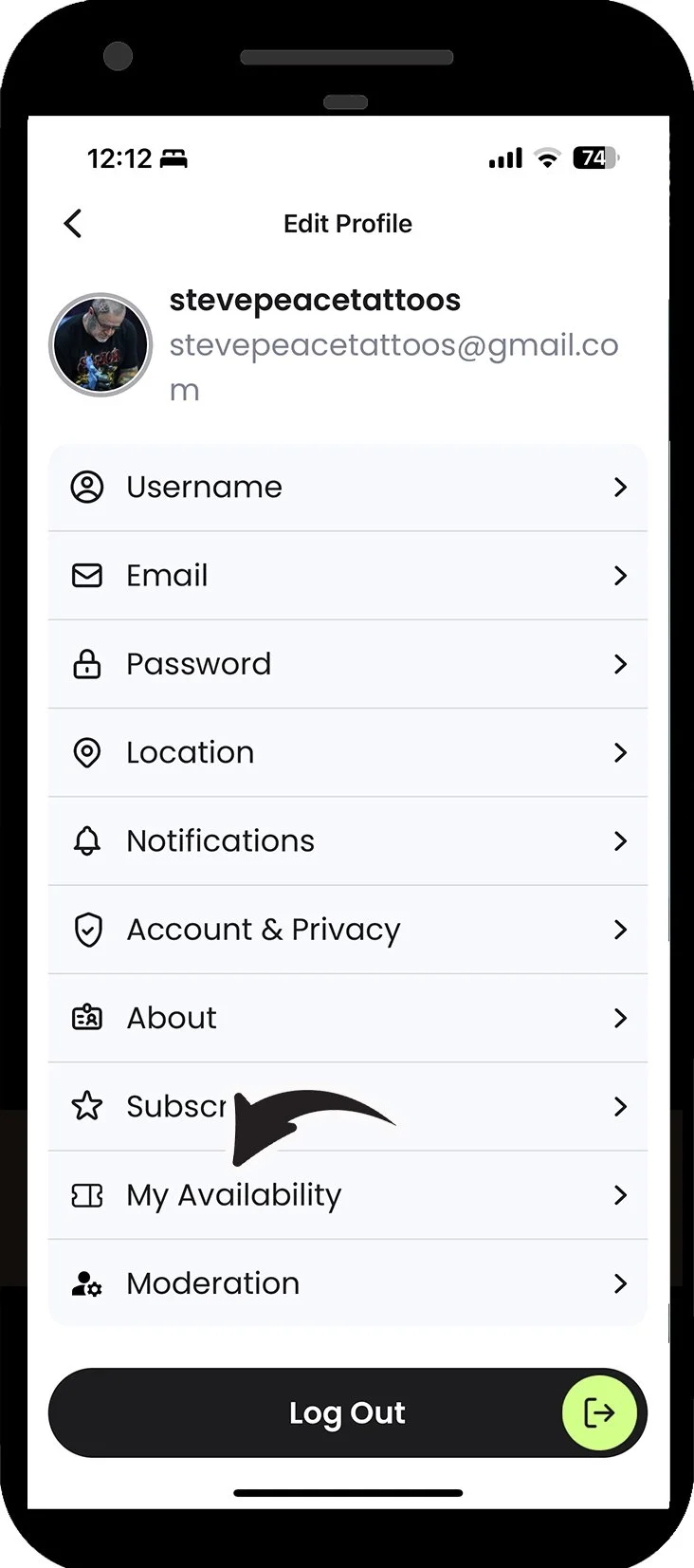
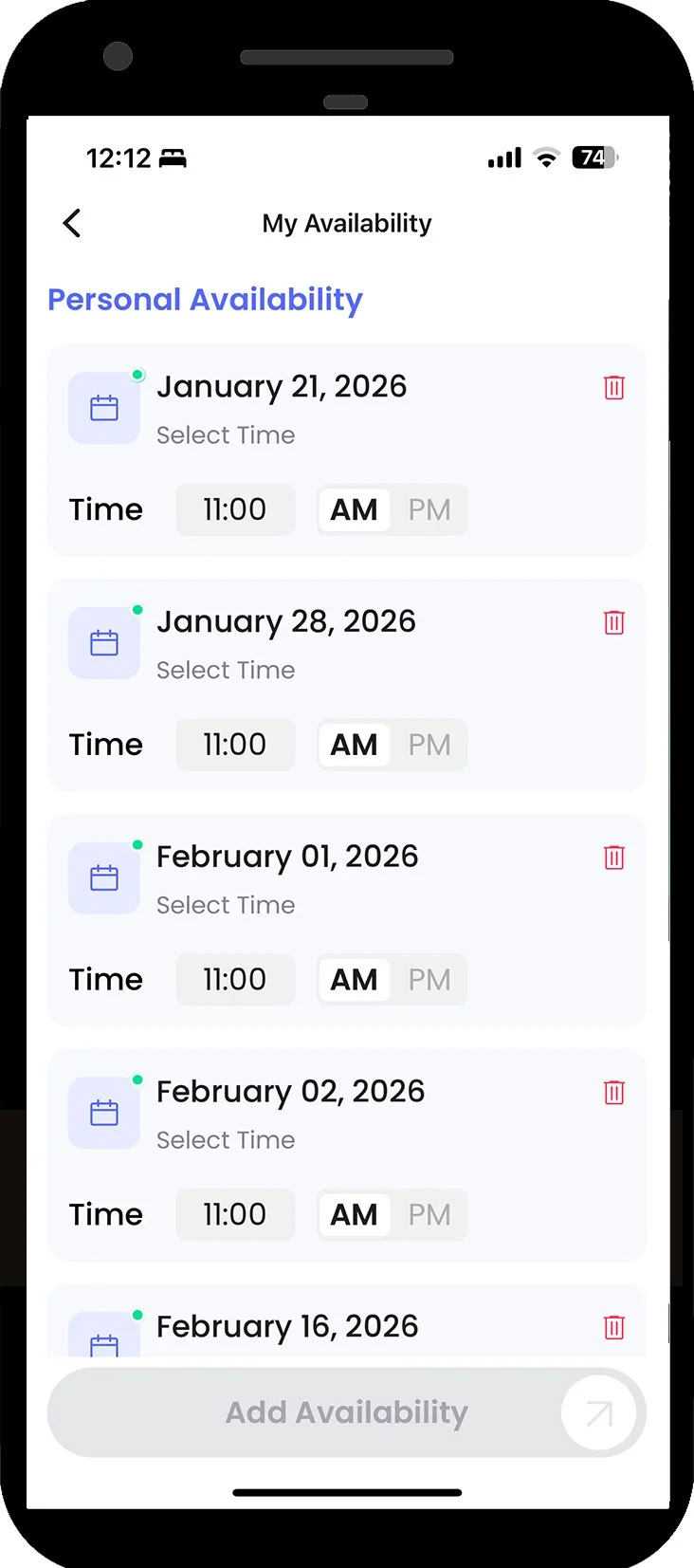
You can add up to seven dates you have available through your profile page. Clients can see these dates by clicking on the calendar icon on your posts or profile page. Clicking the date they would like to book will open an auto message with that date already in the message.
To get connected to a tattoo show that is on the app, the show promoters will tag your account and you will receive an invite in your notifications. Simply accept the invite and appear on the show artist listings. You can view the show artist listings by hitting the last icon on the show page.
In our August 2026 update, we will be adding the option for you to take the show as well to be added to the listings faster.
If you have dates available for a show, you can add those for clients to book with you once you have accepted the promoters invite. This will allow your profile to be seen by attending clients looking to get work done.